
The MMC Flasher is a professional tool for working with Isuzu engines that use Transtron ECMs.
This tool allows for highly efficient Bench Mode operations, enabling you to connect directly to the ECM pins. By completely bypassing the need to pry open or drill the control module, you preserve the factory integrity of the ECU while saving valuable time on the job.
With the MMC Flasher, you do not need to open the control module, unlike some other tools such as Trasdata or The Genius.
Key Features:
- Direct Bench Mode Access: Connect directly to ECM pins, eliminating the need to open the control module, thereby preserving the integrity of the ECM.
- Comprehensive ECM Support: Compatible with Transtron ECMs based on Renesas SH7058, SH7059, SH72533, and SH72544 processors.
- Full Functionality: Supports identification, reading with automatic size recognition, writing, and checksum correction, ensuring accurate and reliable operations.
- Master Version: Provides full control and flexibility for advanced tuning and diagnostic tasks.
This tool is ideal for professionals dealing with Isuzu engines commonly found in construction machinery, including:
- Case Excavators
- Hitachi Excavators
- John Deere Excavators
- Kawasaki Loaders
- Sany Excavators
- Link-Belt Excavators
To read or program a Transtron ECM from an Isuzu engine, you’ll need the following components:
1. MMC Flasher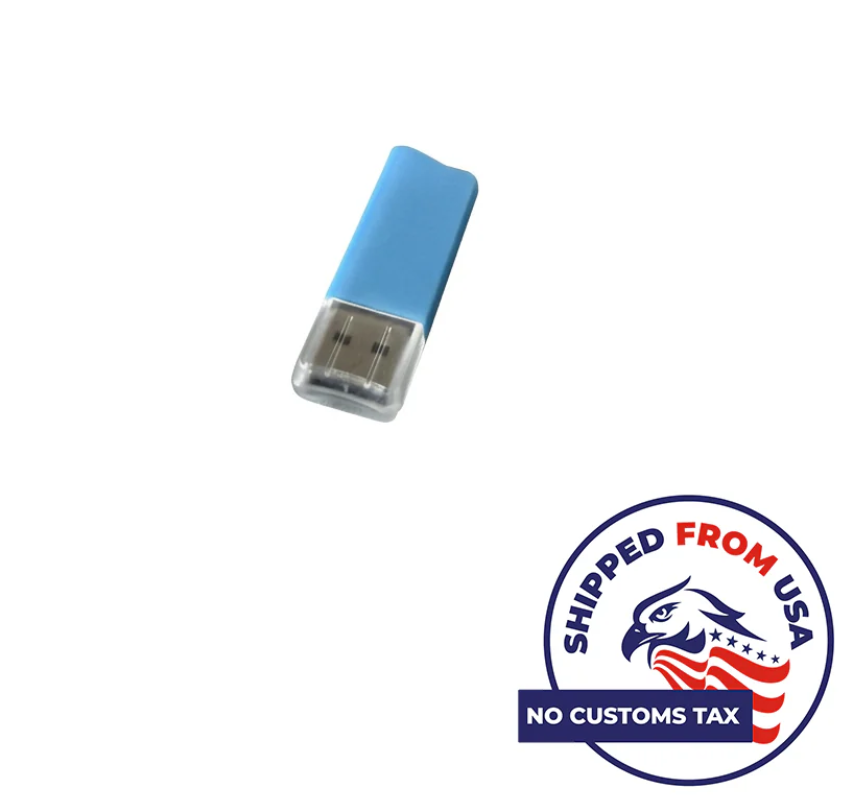
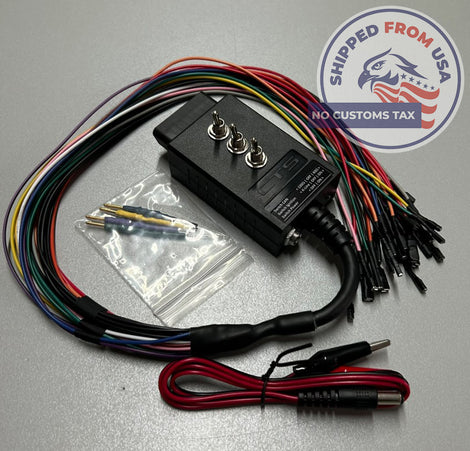
3. Scanmatik 3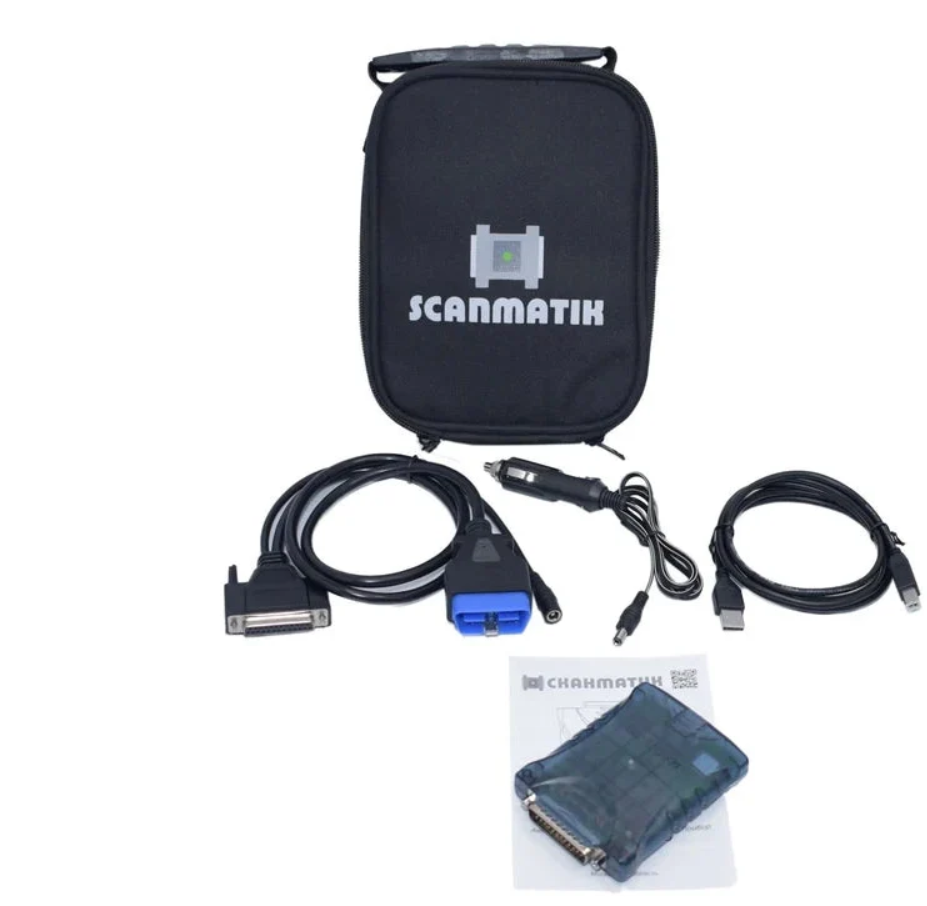
When you receive your MMC Flasher, please email us at support@tuning24.org with the serial number printed on your MMC Flasher USB dongle.
After that, we will send you the download link for the MMC Flasher software by email.
If you want to do a DEF, Urea, or AdBlue delete, you will also need to read, program, and modify the ACM.
The ACM is the Aftertreatment Control Module.
This must be done on the bench using The Genius with the Pro License.
Need Help?
If you have any questions or need assistance, feel free to reach out to our support team:
support@tuning24.org or on Whatsapp and Telegram.