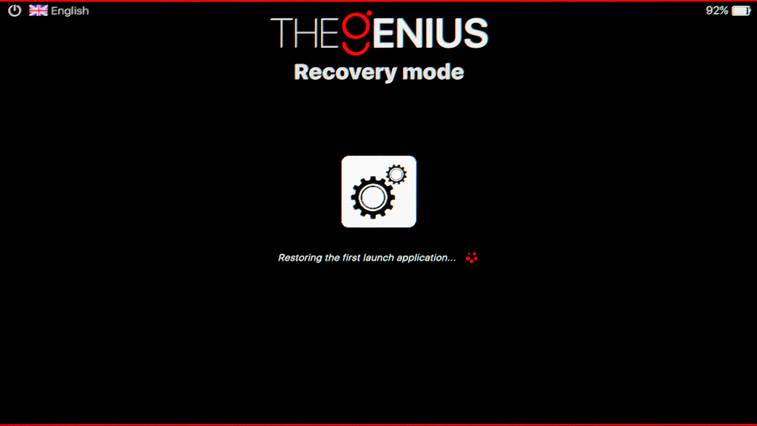
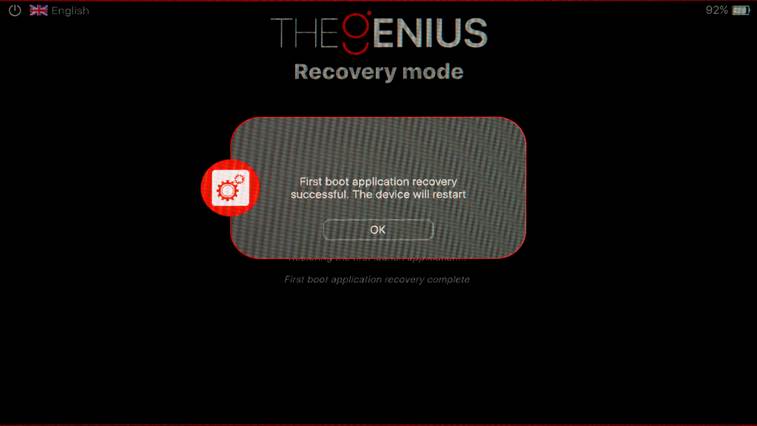
This procedure resets the tool to its first start configuration: |
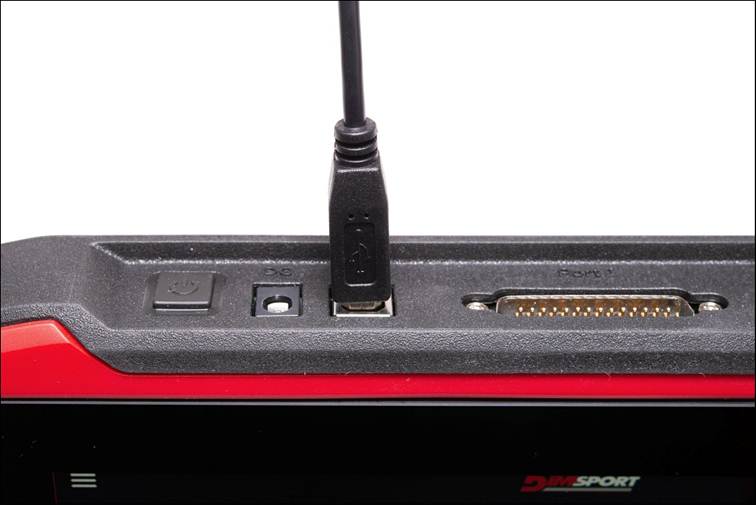
1. Connect TheGenius to a PC using the USB cable. |
|
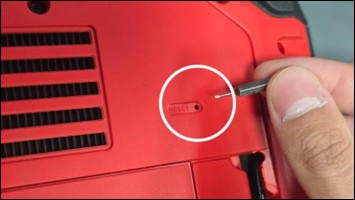
2. While the USB cable is connected press the Reset button on the back of TheGenius and hold it for 5 seconds. |
|
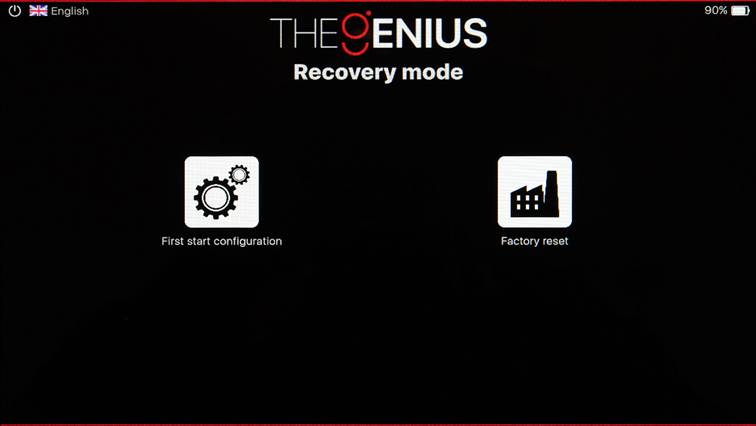
3. The tool will restart and display the Recovery mode section. Press the First start configuration icon. |
|
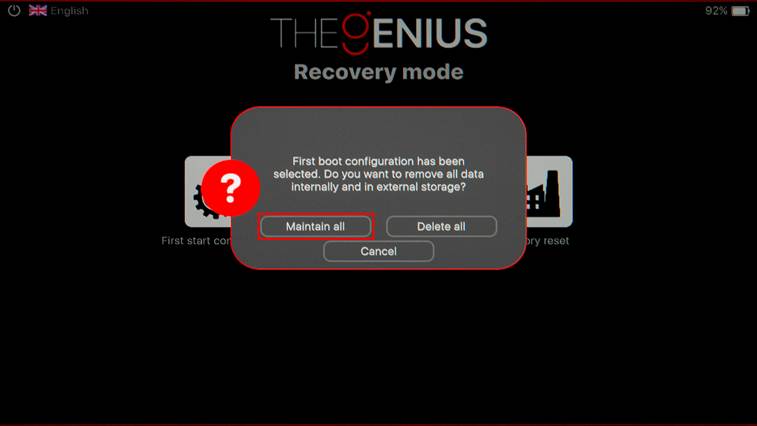
4. Chose Maintain all. This will reset the software to defaults maintaining the data in the internal and external memory as well as the settings. |
|
5. Recovery in progress. |
|
6. After the reset is completed TheGenius will ask to restart it. Press OK. |
|
At this point, TheGenius is ready to be used. |